
Google Business Profile Checklist: What Local Businesses Miss Before the Holiday Rush
By Ospina Marketing Group · Published October 29, 2026 · Last updated October 29, 2026
A complete Google Business Profile has the right categories, a full services list, a clear description, recent real photos, accurate hours and attributes, and details that match your website. Many local businesses miss a few of these. Fix them before holiday searches pick up, and your profile works harder for you all season.
Want us to look at yours? DM us.
Key takeaways
- Your Google Business Profile often shows up before your website does, in Maps, in the local results and in Google's AI answers.
- The most common misses are the wrong categories, an empty services list, a thin description, old photos and details that don't match the website.
- Google says local results are based mainly on relevance, distance and prominence. A complete, accurate profile helps with relevance and prominence.
- Keyword-stuffing your business name breaks Google's guidelines. Use your real-world name.
- An hour now saves you a lot of missed calls in December.
Why does your Google Business Profile matter so much?
For many customers, your Google Business Profile is your first impression. It's what shows up when someone searches your name, looks at Google Maps or asks Google for a business "near me," often before they ever see your website.
Google says local results are based mainly on three things: relevance, distance and prominence (Google Business Profile Help). You can't move your building closer to every customer, but you can control relevance (how well your profile matches what people search) and help prominence (reviews, photos and activity). The same profile information also feeds Google's AI answers. We cover that in our guide to showing up in ChatGPT and AI search.
What does a complete Google Business Profile include?
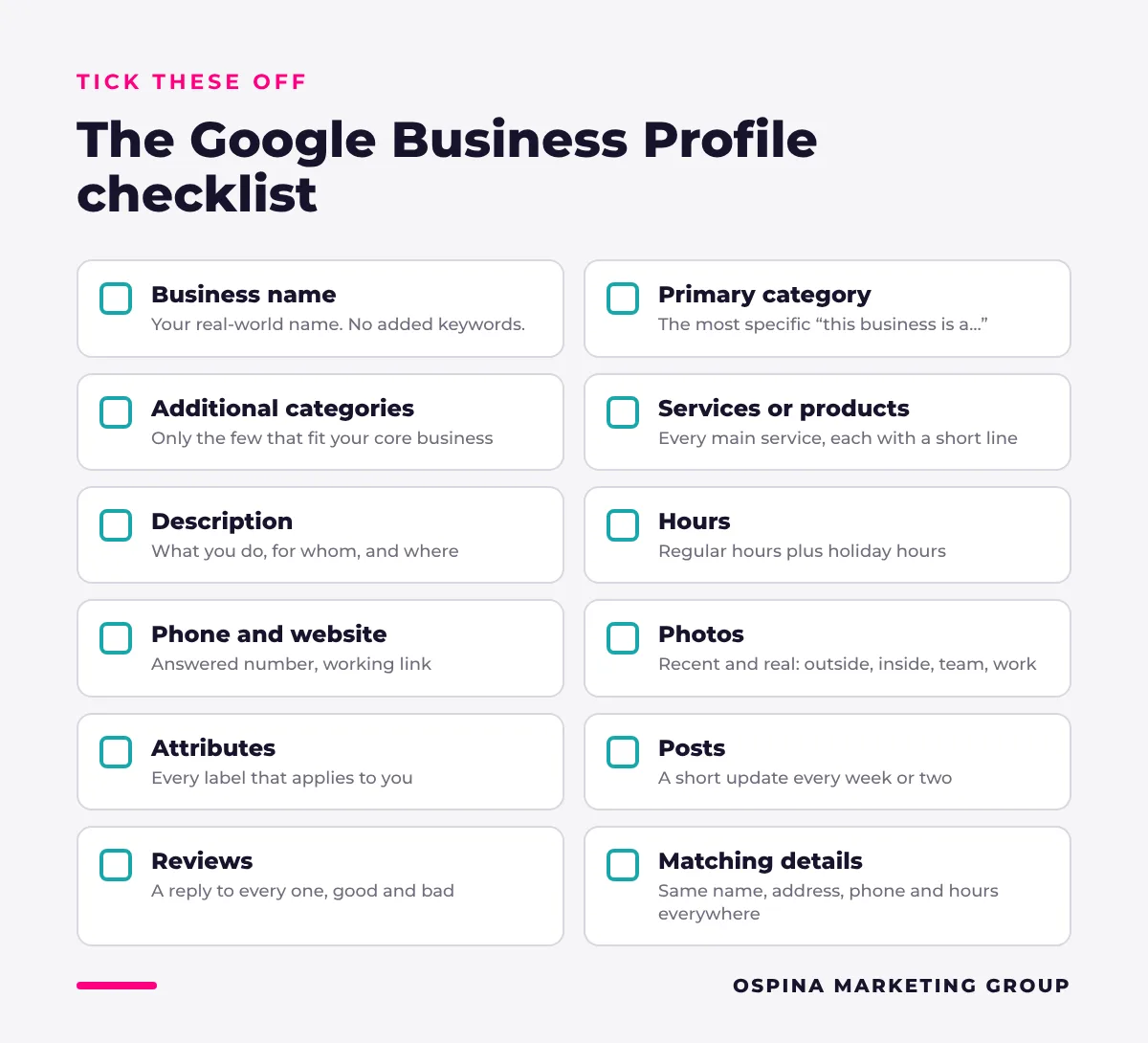
A complete profile fills in every section that applies to your business and keeps it current. Use this checklist and tick off each line.
| Profile section | What “done” looks like | Commonly missed |
|---|---|---|
| Business name | Your real-world name, exactly as it appears on your sign | Extra keywords or city names added to the name |
| Primary category | The most specific category that describes what your business is | A broad category when a specific one exists |
| Additional categories | Only the few that describe your core business | Too many, or categories for services instead of the business |
| Services or products | Every main service listed, each with a short description | Left empty |
| Description | What you do, who you serve and where, in plain words | One vague sentence, or a keyword list |
| Hours | Regular hours plus special hours for holidays | Holiday hours never set |
| Phone and website | A number that's answered, and a link to the right page | An old number, or a link to a broken page |
| Photos | Recent, real photos of your outside, inside, team and work | Only the logo, or photos years old |
| Attributes | Every one that applies, such as accessibility, payment options or women-owned | Never opened |
| Posts | A short update every week or two | Last post months ago |
| Reviews | Replies to every review, good and bad | Unanswered reviews |
| Matching details | The same name, address, phone and hours on your website and every directory | Old address or phone on Yelp, Facebook or Apple Maps |
What do local businesses miss most often?
In our audits, the same handful of gaps show up again and again. None of them take long to fix.
Seen in our audits: We looked at a day spa with a 4.9-star rating and nearly 100 Google reviews. In a local search, it ranked sixth for "facial near me" and didn't show up at all for "massage near me," two of its core services. The reputation was there. The profile just wasn't doing enough to tell Google what the spa offers.
The wrong categories
Your primary category tells Google what your business is. Google's own guidance is to pick the fewest categories that describe your core business, as specific as possible, and to avoid using categories as keywords (Google's guidelines). A good test is to finish the sentence "This business is a..."
An empty services list
The services section is where you list what you actually do: brake repair, balayage, family dentistry, catering. Each service you add is one more way to match what customers search for. Many profiles leave it blank.
A thin description
Your description should answer three questions in plain words: what you do, who you do it for and where. Skip the slogans and keyword lists. Write it the way you'd explain your business to a new neighbor.
Old or missing photos
Customers want to see what they're walking into. Add real photos of your storefront (so people can find the door), your inside, your team and your work, and keep adding new ones. A phone camera in good light is plenty.
Attributes nobody opened
Attributes are the small labels like "wheelchair accessible," "accepts credit cards," "online appointments" or "women-owned." They answer customer questions before they're asked, and many businesses have never looked at that section.
Details that don't match
If your website says you close at 6 and Google says 5, customers and AI tools don't know which to trust. Check that your name, address, phone and hours match everywhere.
How do you write a good Google Business Profile description?
Lead with what you do and who you serve, add what makes you different, and mention your area once, naturally. Here's a simple template:
- What you do: "[Business name] is a [what you are] serving [who] in [area]."
- What you're known for: one or two specific services or specialties.
- What makes you different: family-owned, years in business, a guarantee, a specialty.
- What to expect: walk-ins, appointments, service area, languages spoken.
Keep it honest and specific. Don't paste in a list of keywords or promotions.
How often should you update your Google Business Profile?
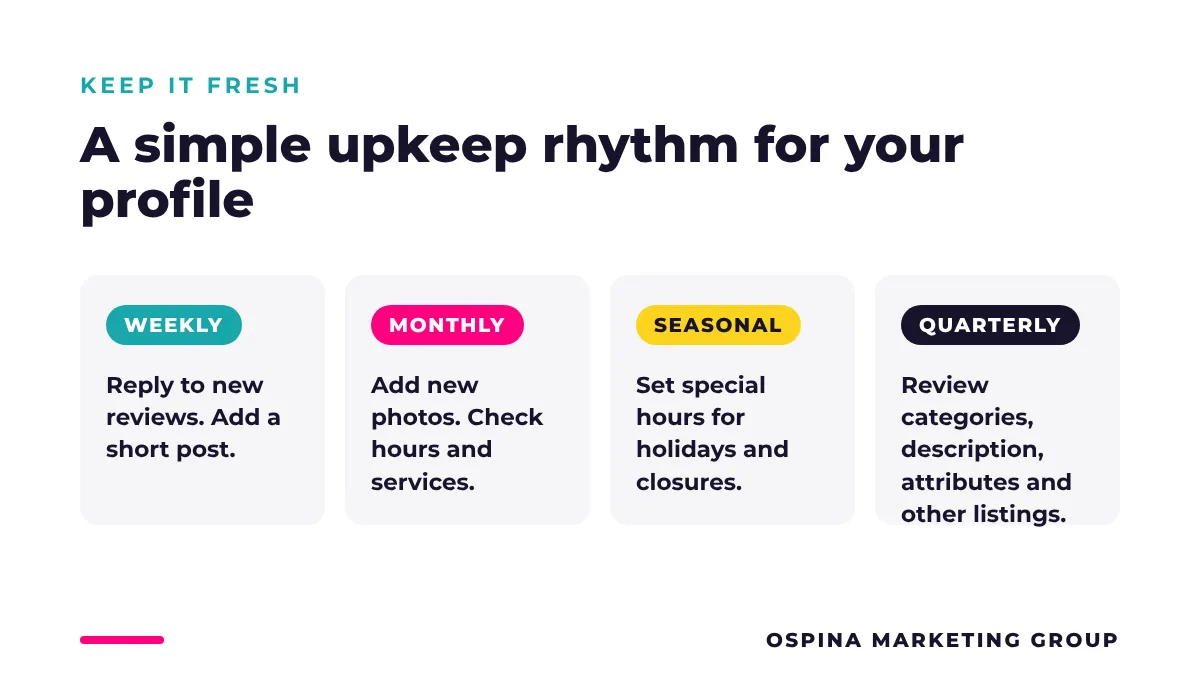
Treat your profile like a storefront window: a little upkeep every week beats a big cleanup once a year.
| How often | What to do |
|---|---|
| Every week | Reply to new reviews and add a short post or update |
| Every month | Add a few new photos and check that hours and services are still right |
| Every season | Set special hours for holidays and closures |
| Every quarter | Review categories, description and attributes, and check your listings on other directories |
What should you update before the holidays?
Before the holiday rush, refresh your photos, list any seasonal services, make sure your phone and website link work, and get your special hours ready. Once you set holiday hours on Google, customers won't show up to a locked door. We'll cover holiday hours, seasonal posts and the December review push in detail in our upcoming holiday-ready checklist.
Frequently asked questions
Is a Google Business Profile free?
Yes. Creating and managing a Google Business Profile is free. Google says there's no way to pay for or request a better local ranking. What helps is a complete, accurate profile, real photos, regular updates and reviews from real customers.
Can I add keywords to my business name on Google?
No. Google's guidelines say your business name should match your real-world name, as it appears on your sign, website and paperwork. Adding keywords or city names breaks those guidelines and can get your profile suspended. Put your services in the services section and description instead.
How many photos should my Google Business Profile have?
There's no magic number. Focus on covering what a new customer wants to see: the outside of your building, the inside, your team and examples of your work. Then add a few new photos every month so your profile looks active and current.
Does my Google Business Profile affect AI search?
Yes. Google's AI answers draw on the same information that powers Google Search and Maps, and other AI tools pull from public sources like your profile and directory listings. A complete, accurate profile is one of the most important steps for showing up in AI answers.
What if my business doesn't have a storefront?
You can still have a Google Business Profile as a service-area business. Hide your street address and set the cities or areas you serve instead. Contractors, mobile services and home-based businesses use this setup.
The bottom line
Your Google Business Profile is often the first thing customers see, and most profiles leave easy wins on the table. Pick the right categories, list your services, write a clear description, add real photos, open up attributes and make sure your details match everywhere. Do it before the holiday rush, then keep it fresh with a little upkeep every week.
About Ospina Marketing Group
Ospina Marketing Group (OMG) is a female-owned marketing agency that helps local and small businesses get found, build trust and turn more searches into customers.
Last updated: October 29, 2026